 roundup
 10 Best 3D Printers for Miniatures: Resin and FDM Compared
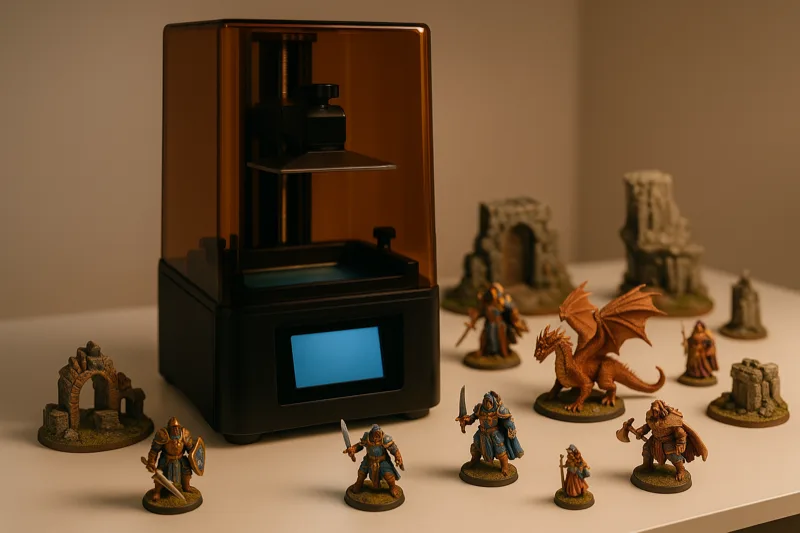
After months of printing minis on every machine I could get my hands on, these 10 resin and FDM printers are the ones that actually impressed me.

Side-by-side comparisons of the best printers I've tested. Organized by budget and use case so you can find the right one fast.
We may earn a small commission through links on this page, at no extra cost to you. As an Amazon Associate, we earn from qualifying purchases. Ratings reflect our own editorial evaluation.
Every manufacturer claims their printer is the one to buy. We're here to separate genuine standouts from the ones coasting on marketing hype.
We don't repackage spec sheets or parrot press releases. Any printer that earns a best pick from us has been put through hands-on testing and measured against direct competitors at the same price point.
A review tells you how a single printer performs in isolation. A best pick means we'd choose it over the other options you're likely comparing it to. That distinction matters because a perfectly capable printer can still fall short when something better exists for the same money.
We run print quality tests across multiple filament types, check bed adhesion at various temperatures, let overnight prints run to gauge reliability, and push each machine to the edges of its build volume. If a printer can't survive a 12-hour job without choking, it won't appear on our best picks list.
Long-term ownership costs factor heavily into our picks too. A cheap printer that burns through nozzles every couple of weeks or warps its build plate within a month is no bargain. We look at parts availability, how active the user community is, and whether the company is still releasing firmware updates.
Before getting into the details, here's a snapshot of our best picks sorted by what you're actually shopping for. This table covers the categories we test most often and links out to the full roundups with in-depth breakdowns.
| Category | Best For | Budget Range | Key Feature | Full Roundup |
|---|---|---|---|---|
| Best Under $1,000 | Serious hobbyists and small businesses | $500 to $999 | Premium features without the inflated price tag | See our picks |
| Best for Legos | Custom bricks, minifigs, and compatible builds | $200 to $800 | Fine detail and tight tolerances | See our picks |
| Best Metal Printers | Functional metal parts and prototyping | $1,000+ | Metal sintering or metal-filled filament support | See our picks |
| Top 5 Overall | General buyers wanting a proven recommendation | $200 to $2,000+ | Versatility and reliability across use cases | See our picks |
Think of this as your jumping-off point. If you already know your budget or what you want to print, go straight to the relevant roundup. Still figuring things out? Keep scrolling for the full breakdown.
Most people start right here, and honestly, this price range has gotten surprisingly capable. A $300 printer five years ago was a coin flip. Today it's a real, usable tool.
At this price point you'll find reliable FDM printers with heated beds, respectable build volumes, and print quality that handles the majority of hobby projects. Functional brackets, decorative pieces, custom enclosures, you can do all of it without major quality sacrifices.
Where do you compromise? Expect noisier fans, more hands-on calibration, and smaller build plates. The bundled software might frustrate you, and material options are narrower. But for learning the ropes and making useful parts, this tier punches well above its weight.
If your wallet says $500 max but you still want solid results, our top 5 printers to consider buying features several machines in this range that keep impressing us.
This is where the jump in capability really hits you. Mid-range machines start packing features that genuinely save time: auto-leveling, dual extrusion, enclosed build chambers.
Print quality climbs noticeably too. Expect tighter tolerances, smoother layer consistency, and the freedom to tackle trickier filaments like ABS, PETG, and flexible TPU without constant monitoring. Our best printers under $1,000 roundup walks through this tier piece by piece.
If you've been printing for a few months and you're confident this hobby has staying power, the mid-range is where your dollar stretches farthest. You're buying reliability and convenience, not just bigger numbers on a spec sheet.
Premium printers aren't oversized versions of cheap ones. They're built with higher-grade components, stricter quality control, and the kind of dependability you need when a failed print costs you real time and real money.
This tier also opens the door to metal 3D printers and resin systems that unlock entirely new project types. If you're running a small business or producing parts with tight tolerances, this is where you should focus your search.
Premium machines handle exotic filaments without fuss, deliver consistent quality print after print, and typically come with support teams that actually pick up the phone. Your cost per successful print actually drops at this level because you're not burning through filament on failures.
This is one of the biggest blind spots for new buyers. Not every printer works with every filament, and running the wrong material through the wrong machine leads to clogs, wasted prints, and a lot of unnecessary headaches.
Every FDM printer on the market can handle PLA. It prints at low temperatures (190 to 220 degrees Celsius), doesn't require an enclosure, and sticks to most bed surfaces without any hassle. If you're brand new to this, PLA is where you start.
The downside is that PLA is brittle compared to other options. It cracks under load and softens in heat. Don't leave PLA parts sitting in a hot car, and don't use them for anything structural or load-bearing.
ABS gives you better strength and heat resistance than PLA, but it's considerably more demanding to print. You'll need a heated bed running 90 to 110 degrees Celsius, a hotend capable of 230 to 250 degrees, and preferably an enclosed build chamber to fight warping and layer separation.
Can a budget open-frame printer technically print ABS? Sure. But you'll wrestle with warping on anything bigger than a couple of inches. If ABS matters to your projects, either buy a printer with an enclosure or plan to build one yourself.
PETG sits neatly between PLA's ease and ABS's toughness. It prints at 220 to 250 degrees Celsius and works best with a heated bed at 70 to 80 degrees. Most mid-range printers handle PETG comfortably right out of the box.
The main annoyance with PETG is stringing. You'll spend more time fine-tuning retraction settings than you would with PLA. It also absorbs moisture from the air, so keep your PETG spools sealed with desiccant packs if you want reliable results over time.
Flexible filaments like TPU are finicky because of how soft they are. You need a direct-drive extruder or a very short, tightly constrained filament path. Bowden setups (where the motor sits away from the hotend) handle flexibles poorly since the filament buckles and jams inside the tube.
Planning to print phone cases, gaskets, or wearable items? Make sure the printer you're eyeing has a direct-drive extruder. Our under $1,000 roundup notes which machines handle flexible filaments without issues.
These materials demand serious heat. Nylon prints at 250 to 270 degrees with a bed temperature of 70 to 100 degrees. Polycarbonate goes even higher, often requiring 280 to 310 degrees at the nozzle.
You'll need an all-metal hotend (PTFE linings start breaking down above 240 degrees), an enclosed chamber, and rock-solid bed adhesion. These are professional-tier materials that call for professional-tier hardware.
Metal-filled filaments (copper, bronze, or stainless steel blended with PLA or PETG) print at normal temperatures but will chew through a standard brass nozzle in hours. Swap in a hardened steel or ruby-tipped nozzle first. The same goes for carbon fiber composites.
If actual metal parts interest you rather than just metal-filled plastic, our best metal 3D printer guide covers true metal sintering systems that produce fully metallic output.
Spec sheets are designed to impress you. Here's what's worth paying attention to and what you can safely ignore.
Build volume matters less than you'd think. Unless you're printing full-size helmets or large housings, a 220x220x250mm bed covers about 90% of typical projects. Don't overpay for space you'll rarely use.
Layer resolution deserves a closer look, but the advertised minimum layer height can be misleading. A printer that claims 50-micron layers yet can't hold a clean 100-micron layer is worse than one rated for 100 microns that delivers them perfectly every time. Consistency always beats spec-sheet bragging rights.
Heated bed is a must. If a printer doesn't include one, walk away. You need it for proper bed adhesion with PLA, and it's absolutely essential for ABS, PETG, and anything more advanced. This should be a baseline, not a selling point.
Auto-leveling is a genuine time saver. Manual leveling isn't difficult once you get the hang of it, but doing it before every other print wears thin fast. Probe-based auto-leveling is one of those things you don't fully appreciate until you've had it.
Nozzle temperature range dictates your material options. If the hotend tops out at 240 degrees Celsius, you're locked into PLA and PETG. Nylon, polycarbonate, or specialty filaments need 260 degrees or higher.
Frame rigidity is something most shoppers overlook, but it has a direct impact on print quality. A wobbly frame translates to visible ringing artifacts on your finished parts. Metal frames beat acrylic ones, and proper linear rails outperform basic rod-and-bearing systems.
What's mostly marketing noise? Touchscreens, WiFi, and companion apps. They're convenient but they won't improve a single layer of your prints. Prioritize mechanical quality above everything else.
3D printer prices shift throughout the year. If you can be patient with your timing, you'll save anywhere from 15% to 40% by waiting for the right sales window.
Black Friday and Cyber Monday (late November) are still the best time to buy a 3D printer, hands down. Every major brand runs discounts, and Amazon slashes prices on popular models by 20% to 35%. This is when we consistently see the steepest cuts on mid-range printers that hold their pricing the rest of the year.
Amazon Prime Day (usually July) has turned into a real opportunity for 3D printer deals. Creality, Elegoo, and Anycubic all participate with aggressive pricing. Discounts aren't quite as deep as Black Friday, but 15% to 25% off is typical.
Chinese New Year (January/February) creates a quirky buying window. Most 3D printer manufacturers are based in China, and production pauses for several weeks around the holiday. Retailers frequently discount current inventory beforehand to move stock. Just be aware that shipping times balloon during this period, so order well ahead of when you need it.
Whenever a manufacturer announces a new model, the older version gets a price cut almost overnight. This is one of the smartest times to buy because last year's printer is still a perfectly good machine. It just doesn't have the latest bells and whistles.
Keep an eye on CES (January) and Formnext (November). Both trade shows are launching pads for new models, and retailers begin clearing older inventory within weeks of each announcement.
Stay away from buying in September or October. Retailers keep prices firm because they know Black Friday deals are right around the corner. Also skip the first two weeks after any new model launches. Early-adopter pricing is always the highest, and first-batch units sometimes ship with quality issues that get ironed out in later production runs.
This is the question I hear more than any other. Someone has a set budget, they want one machine that covers the broadest range of projects, and they don't plan on upgrading for at least two years. Here's my honest answer.
For most buyers, the sweet spot lands in the $400 to $700 range with these specific features: auto bed leveling, a heated bed that hits at least 100 degrees Celsius, direct-drive extruder, all-metal hotend, and a minimum build volume of 220x220x250mm.
That setup lets you print PLA, PETG, TPU, and ABS. It covers everything from decorative prints to functional parts. And it'll grow alongside your skills because you won't slam into a material limitation wall six months down the road.
If your budget sits below $400, pick the highest-rated printer in our top 5 printers guide that includes a heated bed and auto-leveling. Don't worry about dual extrusion or an enclosed chamber at this price. Those features in the budget tier usually mean corners were cut somewhere else in the build.
If you're working with $700 to $1,000, head to our best printers under $1,000 list. At that price you should expect an enclosed chamber, dependable dual extrusion, and the ability to run engineering-grade filaments without any modifications.
Now, if your goal is printing custom Lego pieces, miniatures, or anything that requires really fine detail, the typical advice shifts. You'll want to focus on layer resolution and dimensional accuracy over raw build volume. Our best 3D printers for Legos guide highlights machines built specifically for that kind of precision.
Here's something most first-time buyers don't hear: the printer itself should account for roughly 60% to 70% of your total startup budget. Spend every last dollar on the printer and you'll have nothing left for the supplies you need to actually use it.
I suggest dividing your total budget roughly along these lines:
65% on the printer itself. This is your foundation. Don't cheap out here just to have leftover cash for extras. A dependable printer saves you money in the long run because you waste far less filament on botched prints.
20% on filament and consumables. Grab two to three rolls of PLA in different colors to start. Toss in a roll of PETG if your printer supports it. Set aside a few bucks for a spare nozzle pack ($5 to $15 typically), replacement PTFE tubing if you're on a Bowden setup, and a decent bed adhesive.
15% on tools and accessories. You'll want a solid pair of flush cutters, a good scraper or spatula, a digital caliper, needle-nose pliers, and blue painter's tape. A deburring tool is worth the $10 investment too. And don't forget an SD card if your printer doesn't ship with one.
| Total Budget | Printer (65%) | Filament/Consumables (20%) | Tools/Accessories (15%) |
|---|---|---|---|
| $300 | $195 | $60 (2 to 3 rolls PLA) | $45 |
| $500 | $325 | $100 (4 to 5 rolls mixed) | $75 |
| $800 | $520 | $160 (6+ rolls, multiple types) | $120 |
| $1,200 | $780 | $240 (bulk filament + specialty) | $180 (includes enclosure or upgrades) |
Once you're at the $800 and above level, the tools/accessories portion starts covering extras like a filament dryer, an enclosure kit, or an upgraded print surface. Not critical on day one, but they make a real difference in consistency over time.
You absolutely don't need everything on day one. Here's the order I'd recommend for upgrades based on the biggest bang for your buck at each stage.
Run the stock setup. Print PLA. Get familiar with your slicer software. Build confidence with bed leveling, temperature tweaks, and basic troubleshooting. Don't modify anything on the printer yet. You need to understand how it performs at baseline before you start changing things.
Better build surface. A PEI spring steel sheet is hands-down the best single upgrade for almost any printer. Parts grip during printing and release cleanly once the bed cools. No tape, no glue sticks, no prying parts loose with a scraper. Expect to spend $20 to $35.
Hardened steel nozzle. If you want to experiment with carbon fiber, wood-fill, or metal-fill filaments, this is essential. Brass nozzles get eaten alive by abrasive materials. A hardened nozzle runs $8 to $15 and lasts essentially forever.
All-metal hotend. If your printer shipped with a PTFE-lined hotend, swapping to all-metal opens up higher printing temperatures. That unlocks nylon, polycarbonate, and other engineering materials you couldn't touch before. Plan on $30 to $60.
Filament dryer. The moment you start printing PETG, nylon, or TPU on a regular basis, moisture becomes a real problem. Damp filament causes popping sounds, excessive stringing, and weak layer bonds. A basic dryer costs $40 to $60 and pays for itself quickly in saved filament and fewer failed prints.
Enclosure. Either a store-bought option or a DIY build using an IKEA Lack table (a time-honored tradition in the 3D printing world). An enclosure stabilizes your printing environment, cuts warping on big ABS jobs, and dampens the noise. Budget $50 to $150 depending on whether you build or buy.
Direct-drive conversion. If your printer came with a Bowden tube and you want flexible filaments to actually work, converting to direct drive is well worth the effort. Kits range from $30 to $80 depending on your printer model.
After a year of printing and upgrading, you'll have a crystal-clear picture of what you want from your next machine. That's when it makes sense to seriously consider stepping up to a premium option. Check our best printers under $1,000 when that time comes.
After years of testing printers and reading listings, I've learned to spot the warning signs pretty quickly. Here's what should send you looking elsewhere.
If a printer with features matching $400 machines shows up listed at $150, something's off. It's either a knockoff with inferior components, a refurbished unit sold as new, or the seller is banking on you never filing a warranty claim. I've tested bargain-bin clones and the quality gap is obvious from the first print.
A printer with no YouTube teardowns, zero Reddit discussions, and no active forums is a risky purchase. Community support is half the value of owning a popular machine. When something eventually goes sideways (and it will), you want access to people who've already solved that exact issue.
That's one reason our top 5 printers list only features machines with active user communities. A technically great printer with no community backing is a worse buy than a good printer surrounded by a helpful one.
If the listing doesn't clearly spell out the max hotend temperature, bed temperature, build volume, and filament compatibility, that's a warning sign. Good manufacturers are upfront about their specs because they want you to see them. Vague listings typically mean the numbers aren't competitive.
Certain manufacturers force you into using their branded filament through chipped spools or nonstandard spool holders. That locks you out of affordable third-party options, and you're stuck paying whatever they decide to charge. Over a year of regular printing, that markup can cost you hundreds extra compared to generic spools.
Always verify that a printer accepts standard 1.75mm filament on standard spools. Open systems let you shop around, try different brands, and experiment with new materials on your own terms.
When a budget printer advertises "industrial-grade" quality or shows sample prints that somehow look better than results from machines at twice the price, be skeptical. Those sample prints were almost certainly created under ideal conditions with painstakingly tuned settings you won't replicate out of the box.
Hunt down user-submitted prints on forums and social media instead. Real results from everyday users tell you far more than any marketing photo ever will.
Some listings promise "fully assembled" or "ready to print out of the box" when the machine actually needs hours of assembly work. Read through user reviews and look specifically for comments about setup time. If multiple buyers mention losing an afternoon putting together a supposedly ready-to-go printer, set your expectations accordingly.
Not everyone comes to 3D printing with the same goals in mind. That's why we break our best picks into distinct categories so you can find relevant recommendations without digging.
Our "best under" roundups are organized by budget caps. If you've got a firm spending limit, start there. The best printers under $1,000 roundup is our most visited because that price range nails the balance between capability and value.
We also publish use-case specific roundups like best 3D printers for Legos, because the right printer for custom minifig parts isn't the same as the right printer for engineering prototypes. Detail requirements are worlds apart, and a machine that shines on large functional prints might turn out mushy results on tiny intricate pieces.
Material-focused guides are useful when you already know what filament you want to work with. Our best metal 3D printer guide is a perfect example. Metal printing is a completely different world from standard FDM, with its own price brackets, technologies, and expectations.
Pick the roundup that matches your budget or intended use case. Compare our top three recommendations and focus on where they differ rather than where they overlap.
Once you've whittled it down to two or three contenders, read the full individual reviews. Our roundups give you the overview, but the standalone reviews get into the details that could swing your decision. Things like how much noise it makes at 2am, whether the stock slicer profiles actually work, and if customer support responds when something goes wrong.
Cross-reference your finalists against the material compatibility section above. If you know you'll want to print TPU in the next six months, cross off any option with a Bowden extruder. If ABS is in your plans, confirm the printer either includes an enclosure or can be enclosed easily.
The number one mistake I see beginners make is grabbing the absolute cheapest printer available. There's a gap between "budget-friendly" and "cheap," and it usually reveals itself around hour 30 when something important breaks.
The second most common blunder: buying way more printer than you need. If you're making tabletop miniatures and phone cases, you don't need a $2,000 machine with a build plate the size of a pizza box. Match the machine to the projects you'll actually work on.
Third on the list: ignoring slicer software. Your slicer is every bit as important as the hardware itself. A great printer running terrible slicer settings will produce terrible prints. Invest time learning Cura, PrusaSlicer, or whichever slicer your machine supports before pointing fingers at the hardware.
Remember to budget for filament, a proper scraper, replacement nozzles, and blue painter's tape. The printer itself represents maybe 60% to 70% of your total startup cost. Plan for accessories from the start using the budget guide above.
And seriously, don't blow past the assembly instructions. I've watched people strip threads, snap belt tensioners, and bend lead screws because they figured they could wing it. The manual is there for a reason.
Go budget if you're testing the waters, printing decorative objects, or sticking exclusively to PLA. A well-chosen $300 printer will serve you well for a long time, and you'll pick up a ton of knowledge about calibration and troubleshooting along the way.
Go premium if you're producing functional parts, working with engineering-grade materials, or need consistent output for a business. Time has a cost, and a premium machine that nails prints on the first try pays for itself quicker than most people expect.
There's nothing wrong with starting at the budget end and moving up later. Honestly, that's the path I'd suggest for most people. Your second printer purchase will be dramatically better informed because you'll know which features you actually relied on and which ones sounded great but gathered dust.
Ready to start looking? Our top 5 printers to consider buying is the best general starting point. It spans multiple price ranges and use cases, so you can narrow down the right direction before jumping into the specialized roundups.
roundup After months of printing minis on every machine I could get my hands on, these 10 resin and FDM printers are the ones that actually impressed me.
 roundup
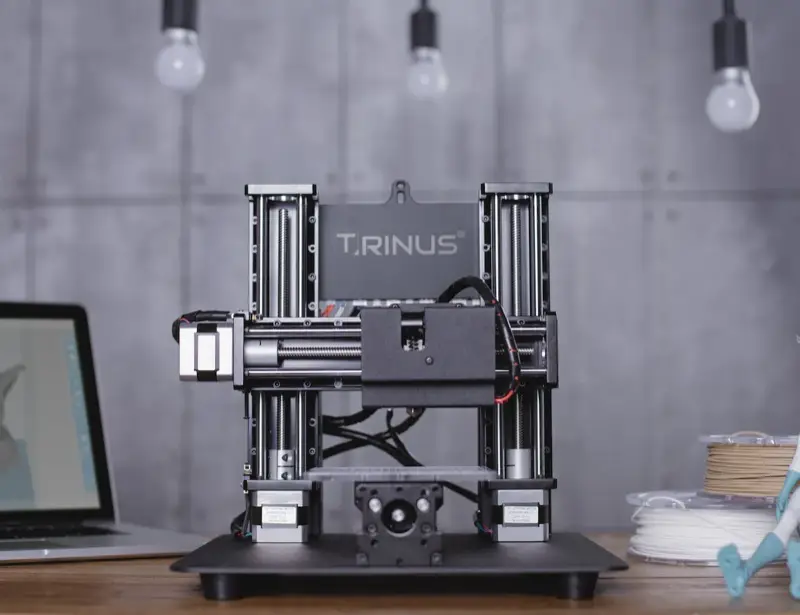
 Metal 3D printing isn't just for factories anymore. We break down the 10 best options from $200 desktop units to $500K industrial machines.
 roundup
 Yes, you can 3D print your own Lego bricks at home. We tested 16 printers to find which ones nail the precision you need.
 roundup
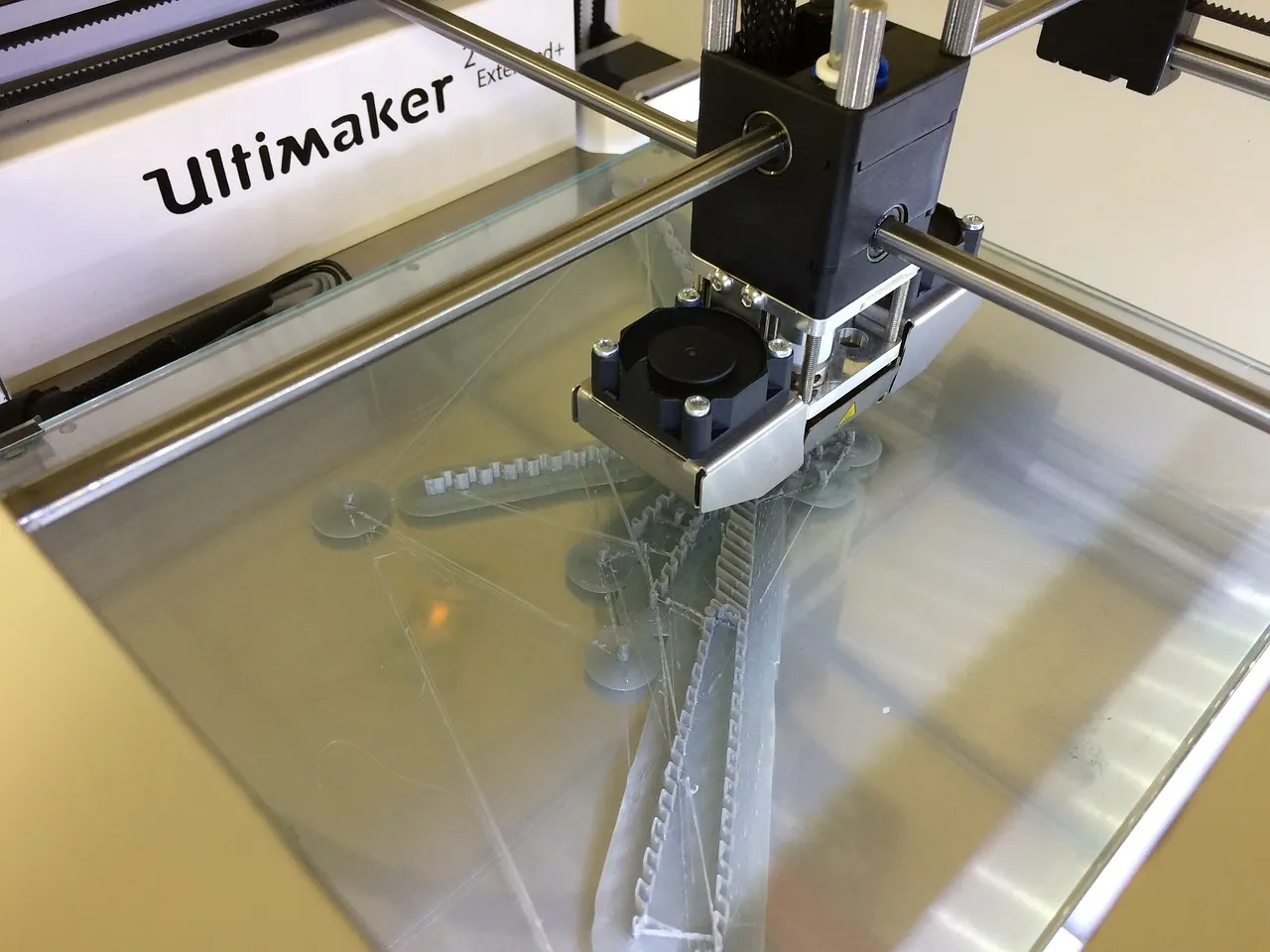
 We tested 20 3D printers under $1,000 side by side. Here are the ones that actually deliver on print quality, reliability, and value.
 roundup
 We narrowed it down to 5. These are the printers we'd actually spend our own money on right now, from budget to premium.