

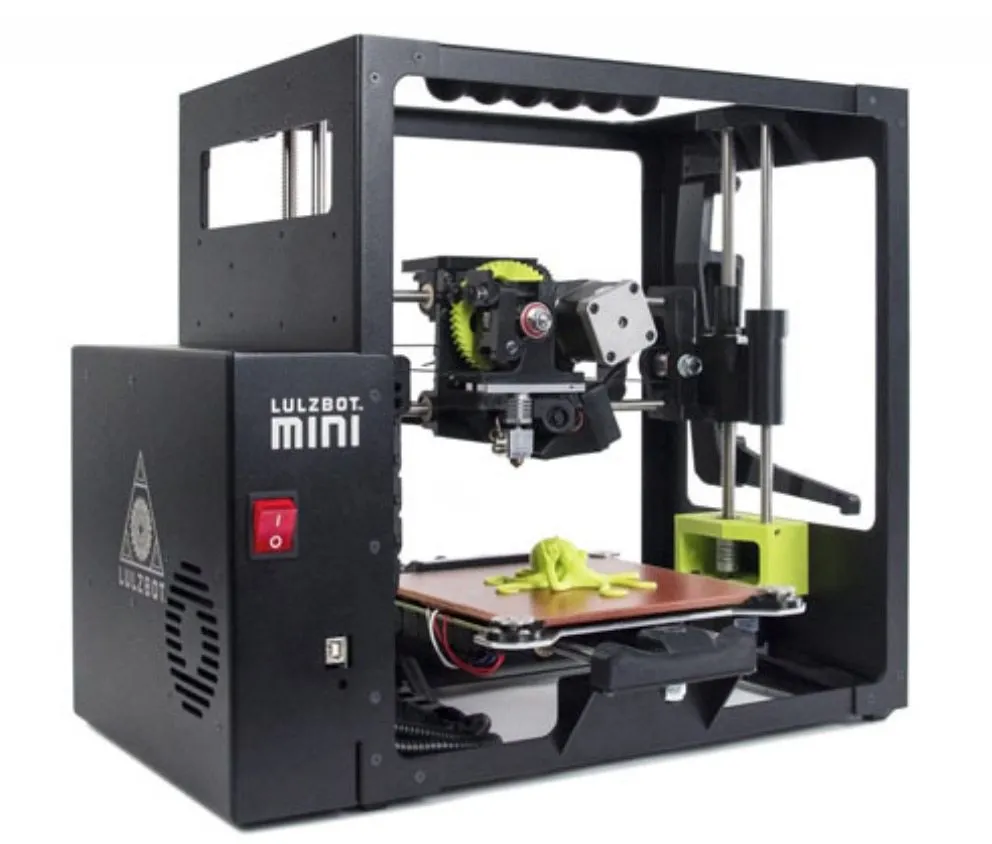
I’ve been running the LulzBot Mini Desktop 3D Printer for a couple months now, and I’ll say it straight: this has been the most fun I’ve had with any 3D printer.
Were there hiccups? Sure. Name a printer that doesn’t have them. But the Mini made the actual printing process enjoyable in a way other machines just haven’t.
That tells you something about LulzBot.
Overview

LulzBot Mini Desktop 3D Printer
A compact premium printer that genuinely lives up to 'plug and play.' Auto-leveling, tons of material options, and print quality that surprised us.
Pros
- True plug-and-play with automatic calibration
- Exceptional print quality and detail
- Supports exotic filament materials
Cons
- No WiFi connectivity
- Small print bed (152 x 152 x 158 mm)
It showed up in a compact box, cushioned by black foam with the accessories tucked into a separate bag. Nice and tidy.
The extras are a thoughtful touch: a palette knife, an extruder cleaning pick, and tweezers. Little things, but you’ll use all of them.
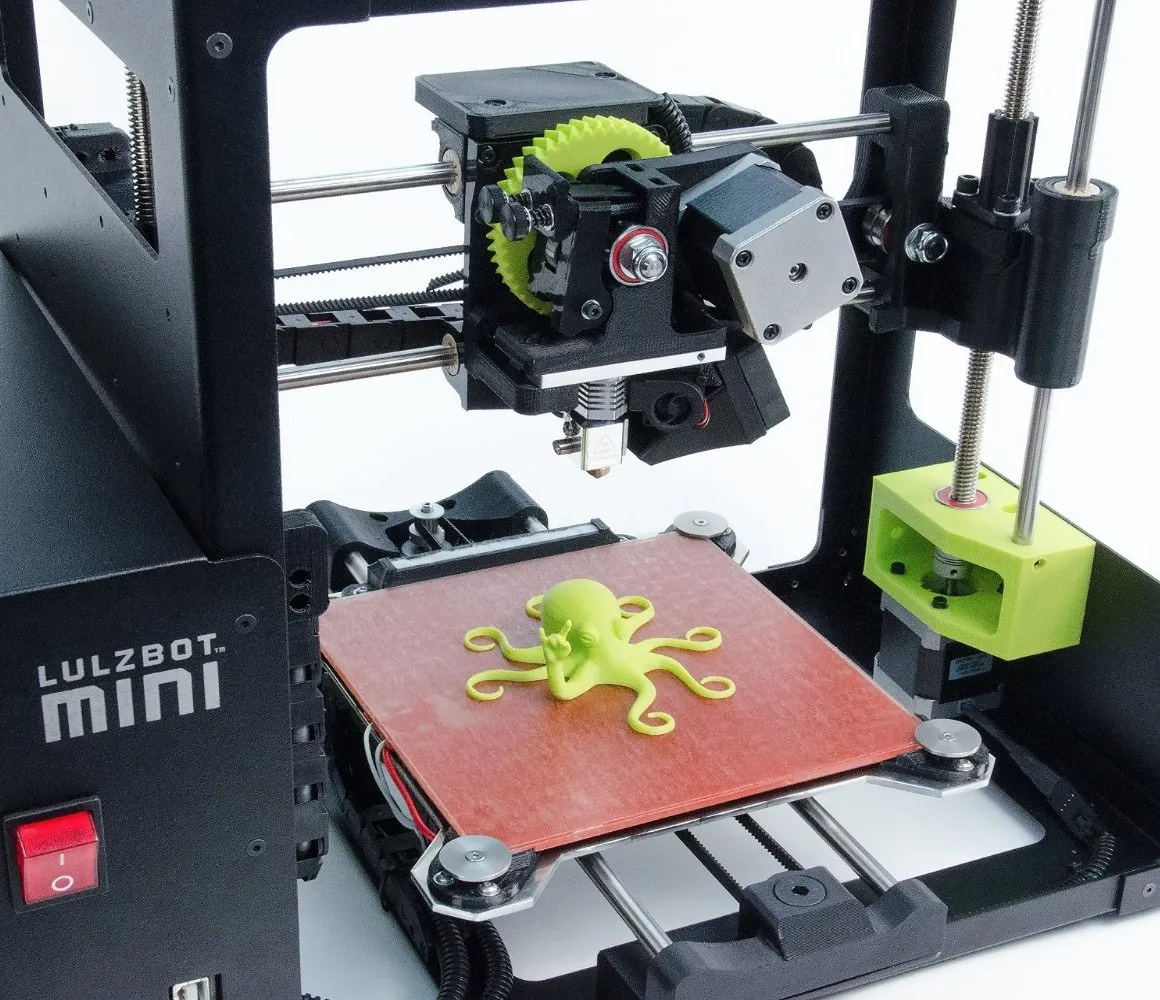
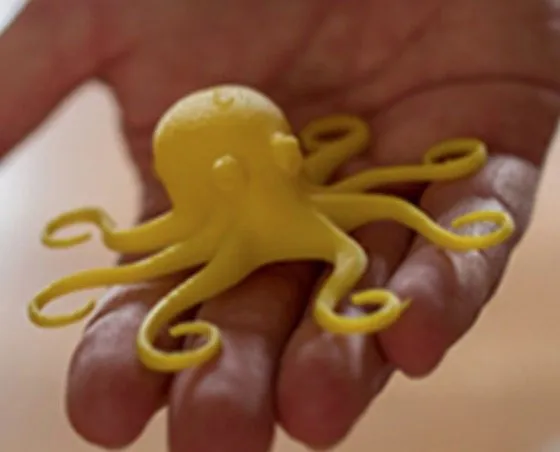
There’s also a pre-printed octopus model sitting in the box. It’s not just a freebie. It’s proof that the printer was calibrated and test-run before it shipped. The AIO Robotics Zeus does something similar with factory calibration, so you can trust both machines right out of the box.
Photo Gallery
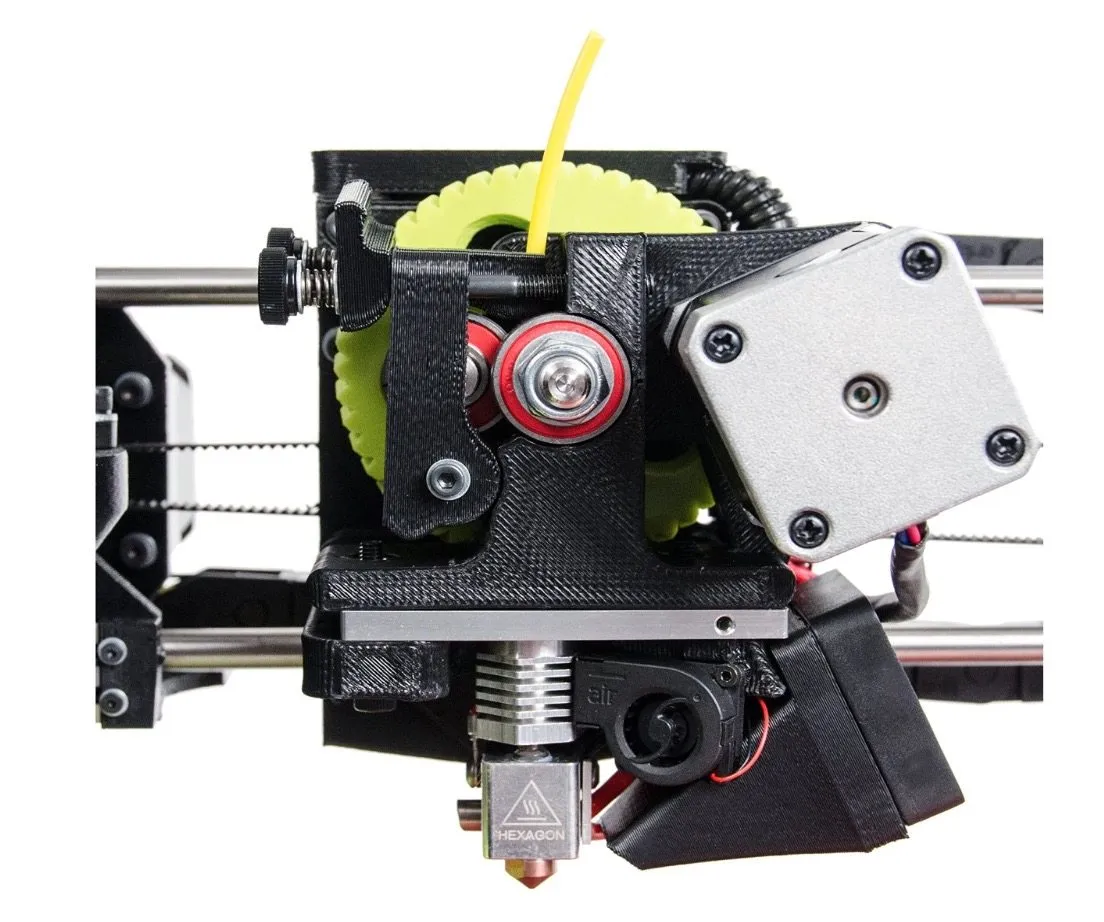
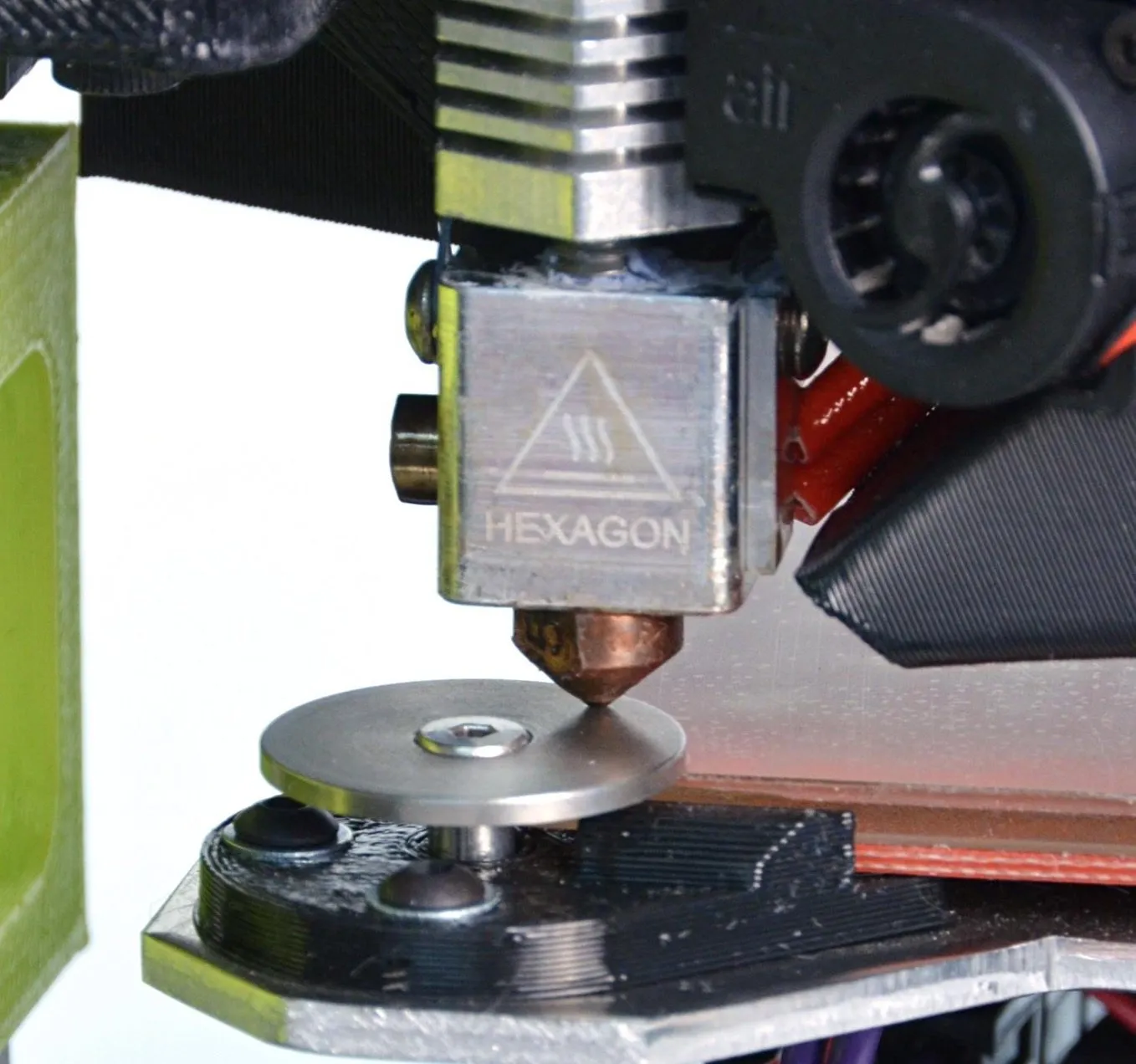
Key Specifications
| Spec | Detail |
|---|---|
| Build Volume | 152 x 152 x 158 mm |
| Hot End Temp | Up to 300°C |
| Heated Bed Temp | Up to 120°C |
| Filament Type | HIPS, PLA, ABS, Nylon, PETT, and more |
| Connectivity | USB |
| Price Range | Premium |
The Setup
If you want true plug-and-play, this is as good as it gets. Box to printing-ready in under 5 minutes. I timed it.
Plugged it in, popped in the Mini-branded thumb drive, installed LulzBot’s version of Cura, and that was it. You can grab Cura from their website too, but the thumb drive was quicker.
Smart move by LulzBot: the printer ships with HIPS filament already loaded. If you’ve never dealt with filament before, you can see exactly how it should sit in the machine. Trust me, loading filament isn’t as obvious as it sounds. I’ve fumbled it on other printers more times than I’d like to admit.
With the Mini, I literally just hit print. Thirty minutes later, I had my first “Rocktopus” model. Done.
The Setup & Build
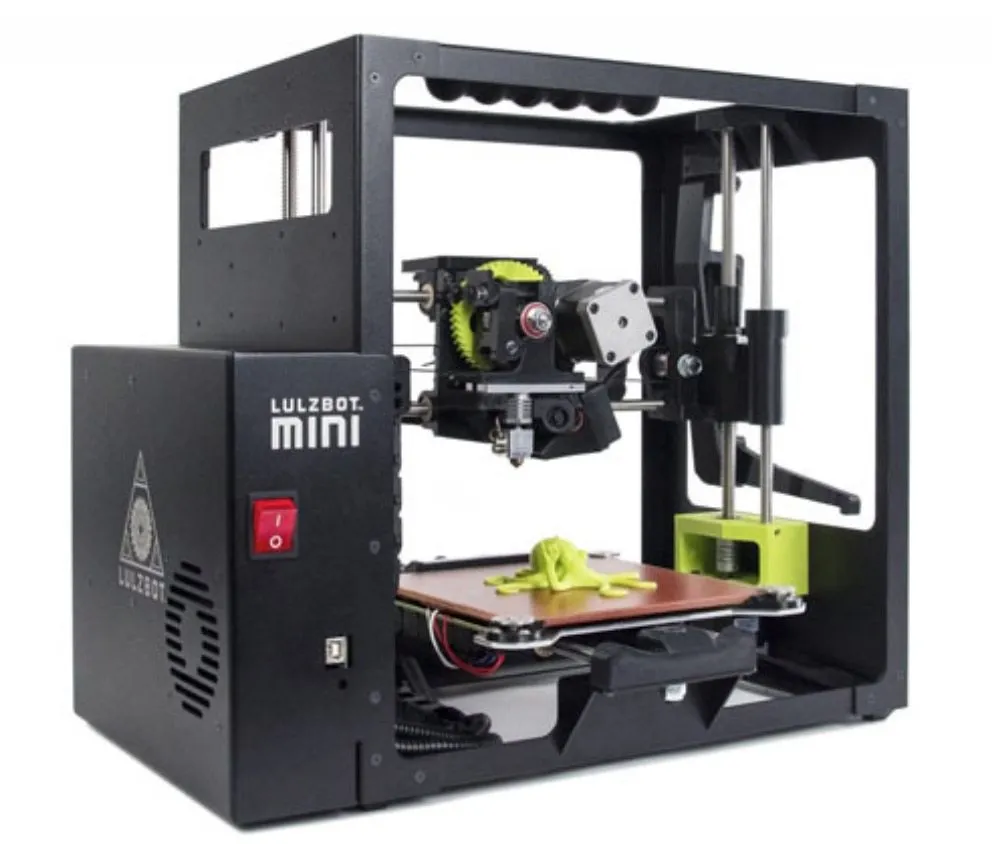
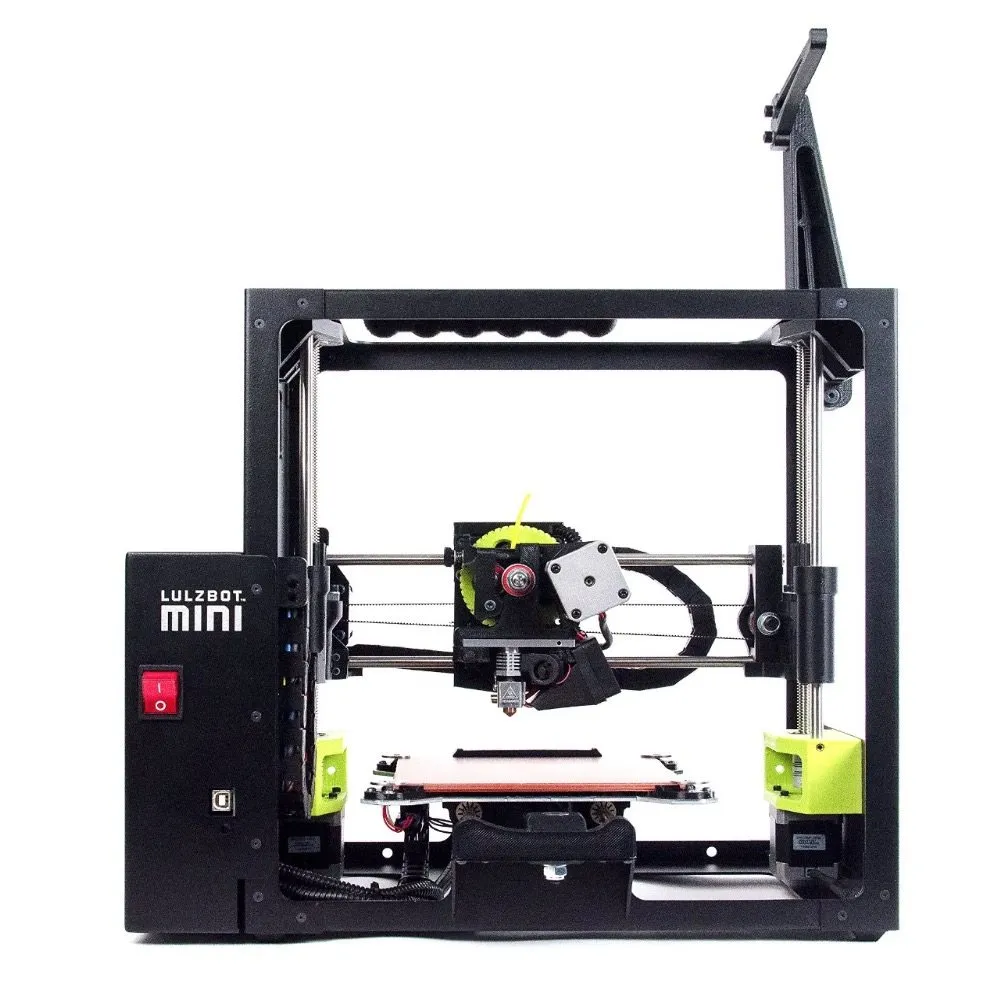
You can tell Aleph Objects built the LulzBot Mini 3D Desktop Printer to pack as much capability into as small a frame as possible. Pick it up and the matte steel frame immediately tells you this isn’t a toy.
The filament spool holder extends from one side of the frame. On the other side there’s a recessed carry handle, making the whole thing surprisingly portable. The print bed is compact at 152 x 152 x 158mm, but don’t write it off because of the size. This little machine can do more than you’d expect.
Temperature range is where things get interesting. The all-metal hot end hits 300 degrees Celsius, and the heated bed reaches 120. That means you’re not limited to the usual suspects.
PETT, copper composites, nylon, HIPS. Way beyond basic ABS and PLA territory. If you’re only planning to print PLA, the FlashForge Finder gives you WiFi and a touchscreen for a lot less money.
LulzBot recommends HIPS filament for the best results, and after testing several materials, I agree. Prints come out clean, no dripping, no overhang problems, and layers bond together the way they should.
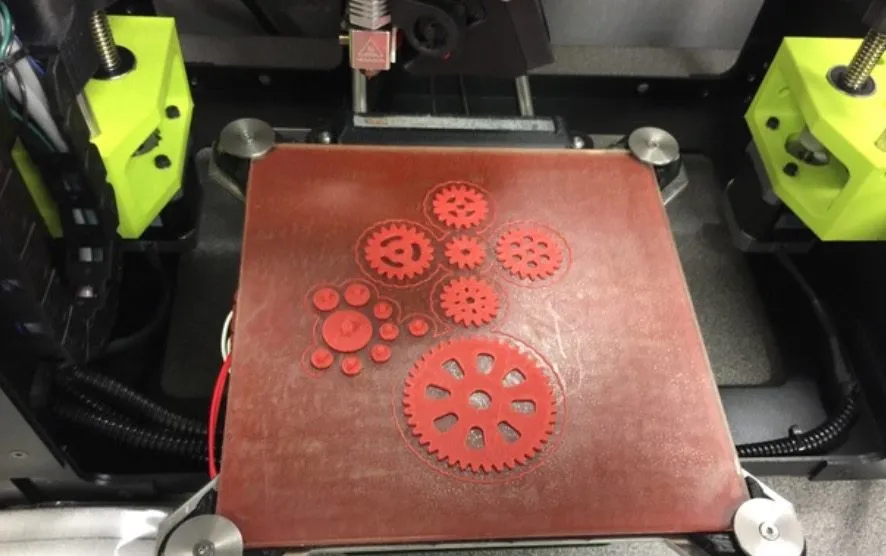
When a print finishes, just let the bed cool down and the model pops right off. The PEI coating on the bed handles adhesion so well that you don’t need painter’s tape or any solvents. Really convenient.
I’ve set up a lot of 3D printers and I’ve never gotten one running this fast. There’s a small abrasive pad beside the print bed, and before every single print, the extruder wipes itself clean against it. No manual cleaning, no clogged nozzles.
The print head also auto-levels before each job. No calibration on your end whatsoever. The machine handles it, and it’s impressively precise.
LulzBot wanted a printer that requires zero manual calibration after initial setup. They absolutely pulled it off. You just print.
The one thing most people complain about is no WiFi. You’ve got to keep your computer physically tethered, which gets old. Some users also wish the bed was bigger or that it had dual extruders.
I’ve heard rumors those features were deliberately left out to steer people toward the TAZ 5, but nobody’s confirmed that. Other than those gripes? Hard to find much wrong with the Mini.
The Detail
I look at a lot of factors when I test printers, but print quality always comes first. And at this price point, very few machines come close to what the LulzBot Mini puts out.
It sits in the premium tier, so it’s not cheap. Worth it though. The “mini” name only refers to the fact that it’s smaller than other LulzBot models, and honestly that’s a plus if you don’t have tons of desk space.
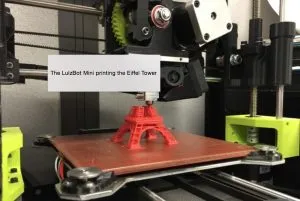
I’ve printed dozens of models across multiple machines, and the single best print I’ve ever produced was an Eiffel Tower on the Mini. Most printers choke on the tiny intricate details inside the tower’s lattice structure. The Mini didn’t. That kind of precision is what separates good printers from great ones, especially for art and decorative pieces.
It finished the tower in 44 minutes. Zero visible flaws. Other printers took 2 hours on the same model and didn’t look as clean. The MakerBot Replicator 2 comes close on detail quality but gives you a much bigger build volume for larger projects.
One genuinely frustrating issue: if your computer disconnects during a print, the whole job cancels. Not a dealbreaker, but LulzBot should’ve built in some kind of print recovery here.
If you pick up this printer, stick with their recommended HIPS filament or ABS. Both produce near-flawless prints.
Consumer Vs. Machine
Let’s be real: 3D printing is still a young industry. Most consumers aren’t fully ready for these machines yet. They’re still expensive, and prices really haven’t come down much since they first hit the consumer market.
It’ll probably be a while before they’re truly mainstream. The printing process is also inherently slow, which requires patience most people don’t realize they’ll need going in.
Aleph Objects clearly designed around all of that. They wanted a machine that just works with minimal fussing.
But they also kept it open and modifiable enough that tinkerers can swap nozzles, try different materials, and customize the thing to their heart’s content. If you want to go even deeper on customization, the HICTOP Prusa I3 is a full open-source kit you build from scratch.
I wanted to push the LulzBot Mini Desktop 3D Printer and see what it could really handle, so I ordered a bunch of exotic filament samples. BronzeFill. BambooFill. The works.
Funny enough, the only material that gave me real trouble was PLA. On other printers it’s been perfectly fine, but the Mini had layer adhesion problems that left some prints hollow or misshapen. After a lot of trial and error, I figured out the right temperature settings to fix it. The M3D Micro is actually one of the best budget options if you only plan to print PLA, since it doesn’t even need a heated bed.
One other small thing: filament can occasionally tangle during a print. If the hot end clogs, a replacement .5mm copper nozzle is just a few bucks and takes minutes to swap. Doesn’t happen often, but good to know about. Aleph Objects will even replace the nozzle free within the first couple months. The Dremel Idea Builder has similarly responsive after-purchase support from their US-based team.
Minor issues aside, I’m having a great time with this machine. The build quality alone tells me it’ll last for years. And if you eventually want more capability, the TAZ 5 is basically the Mini with everything cranked up, though you’ll pay significantly more for it.


