

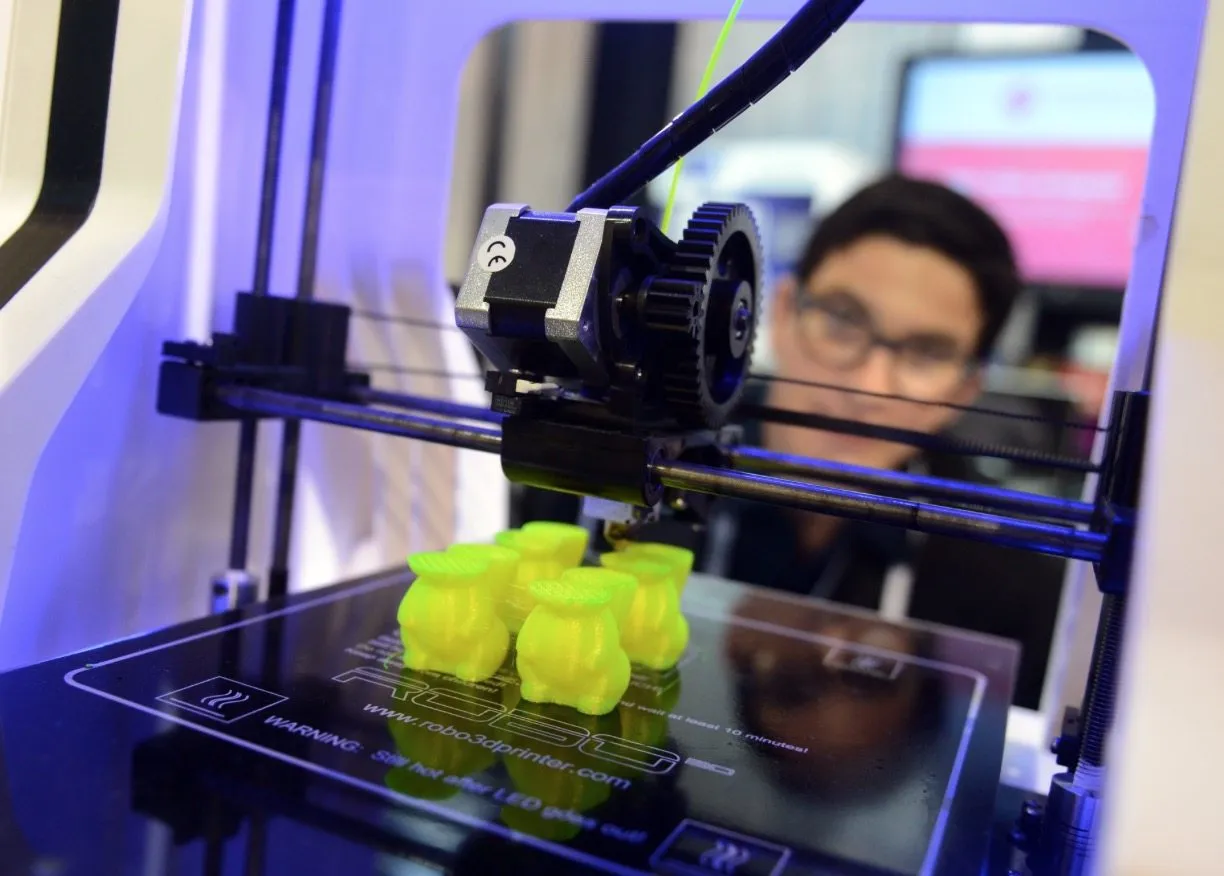
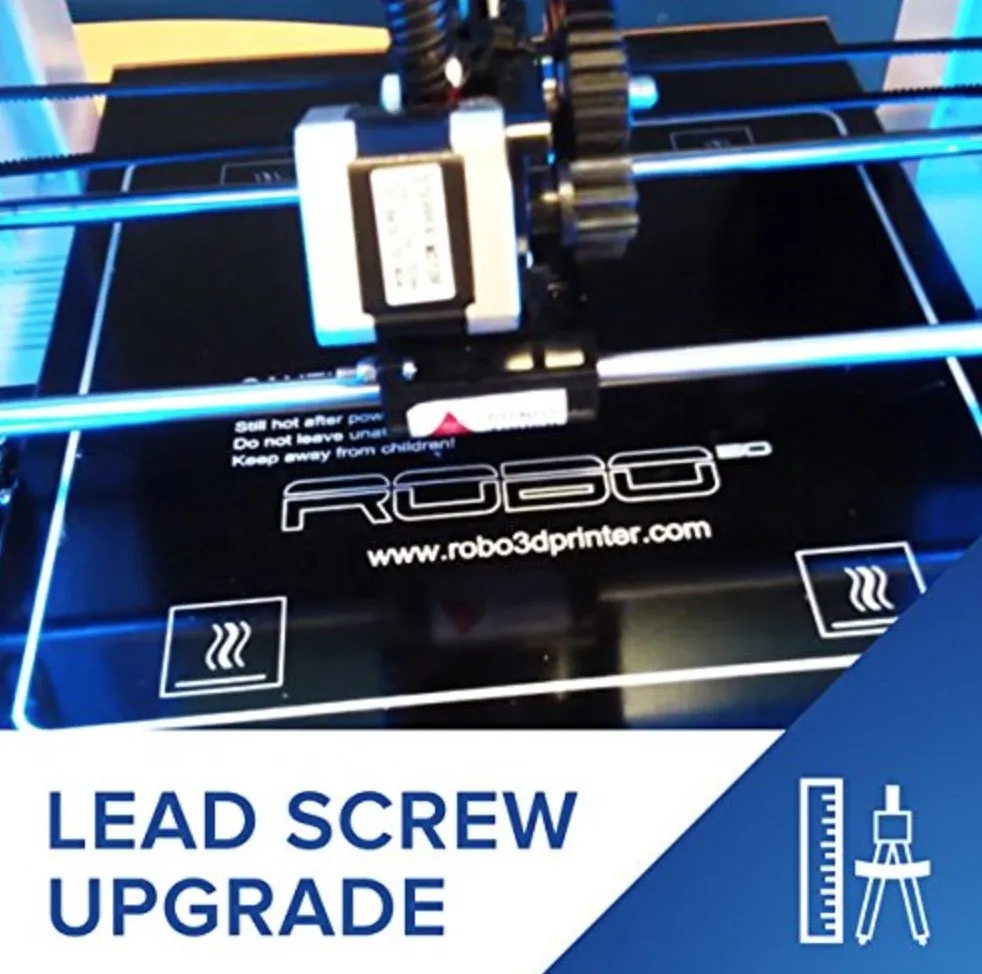
The first thing I noticed about the Robo 3D R1 Plus 3D Printer was how painless calibration turned out to be. The multipoint auto leveling system basically handles it for you, and the result is consistent, quality prints without a bunch of manual fiddling.
Overview

Robo 3D R1 Plus 3D Printer
A mid-range open-source printer with reliable auto-leveling and a generous build volume. Best suited for folks with some printing experience.
Pros
- Auto-leveling makes calibration simple
- Large build volume for its price range
- Accepts universal filament cartridges
Cons
- Not ideal for complete beginners
- Cords can get caught under the platform during printing
You can tweak settings and run calibrations straight from the software, too. No wrestling with physical knobs or screws. Just clean, precise adjustments from your screen.
Once everything’s dialed in, cranking out detailed models feels effortless. The Printrbot Simple Metal has a similar auto-leveling setup that works just as smoothly if you’re comparing options.
Every single print during our testing came out accurate. The .1 to .3 mm resolution range gave us decent flexibility depending on how detailed the project needed to be.
Models did need a bit of cleanup afterwards, but that’s true of printers costing three times as much. A quick snip of stray filament strands and you’re done.
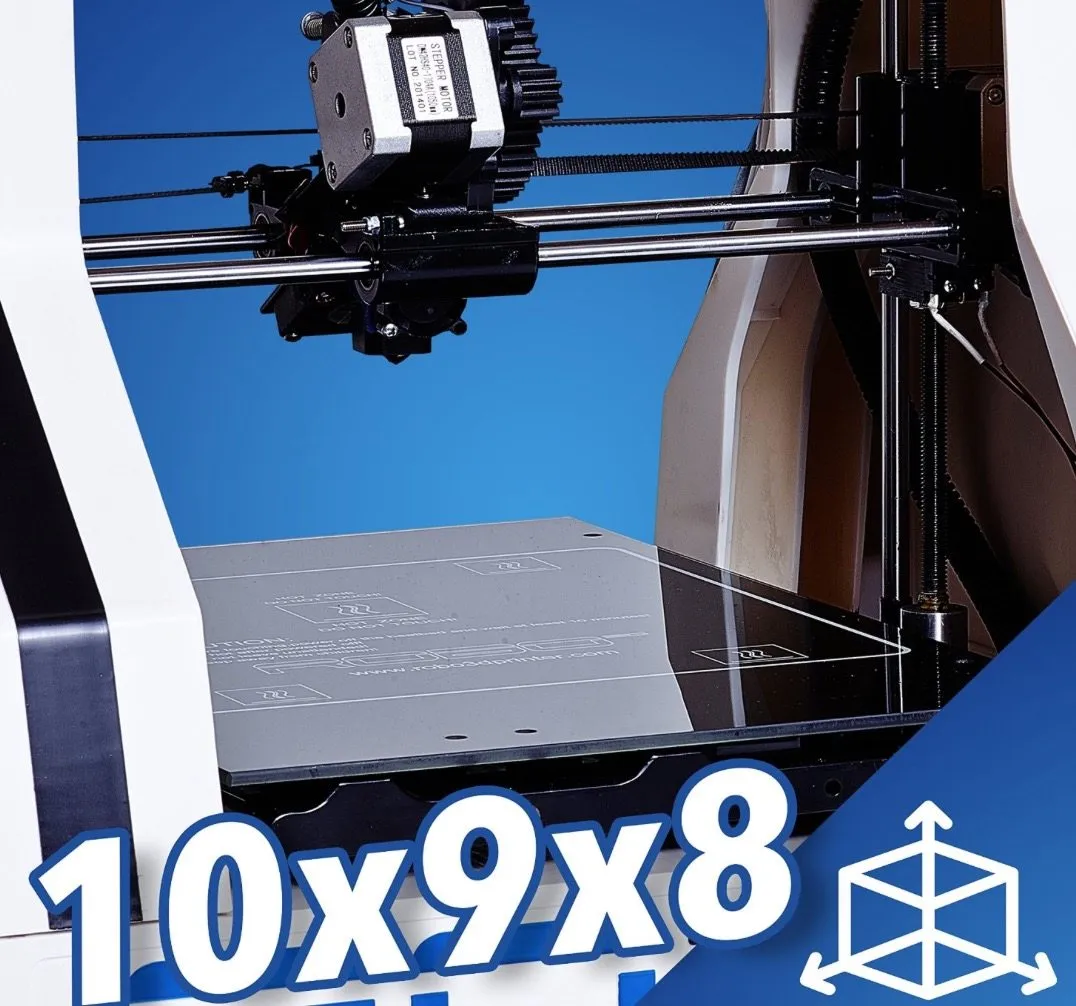
The 8 x 9 x 10 inch print bed is bigger than you’d expect at this price point. You’ve got real room to work with for larger prints.
Photo Gallery
Key Specifications
| Spec | Detail |
|---|---|
| Build Volume | 8 x 9 x 10 inches |
| Layer Resolution | 0.1 - 0.3 mm |
| Filament Type | ABS, PLA (1.75 mm) |
| Connectivity | USB, microSD |
| Weight | 26 lbs |
| Price Range | Mid-range |
Printer Design
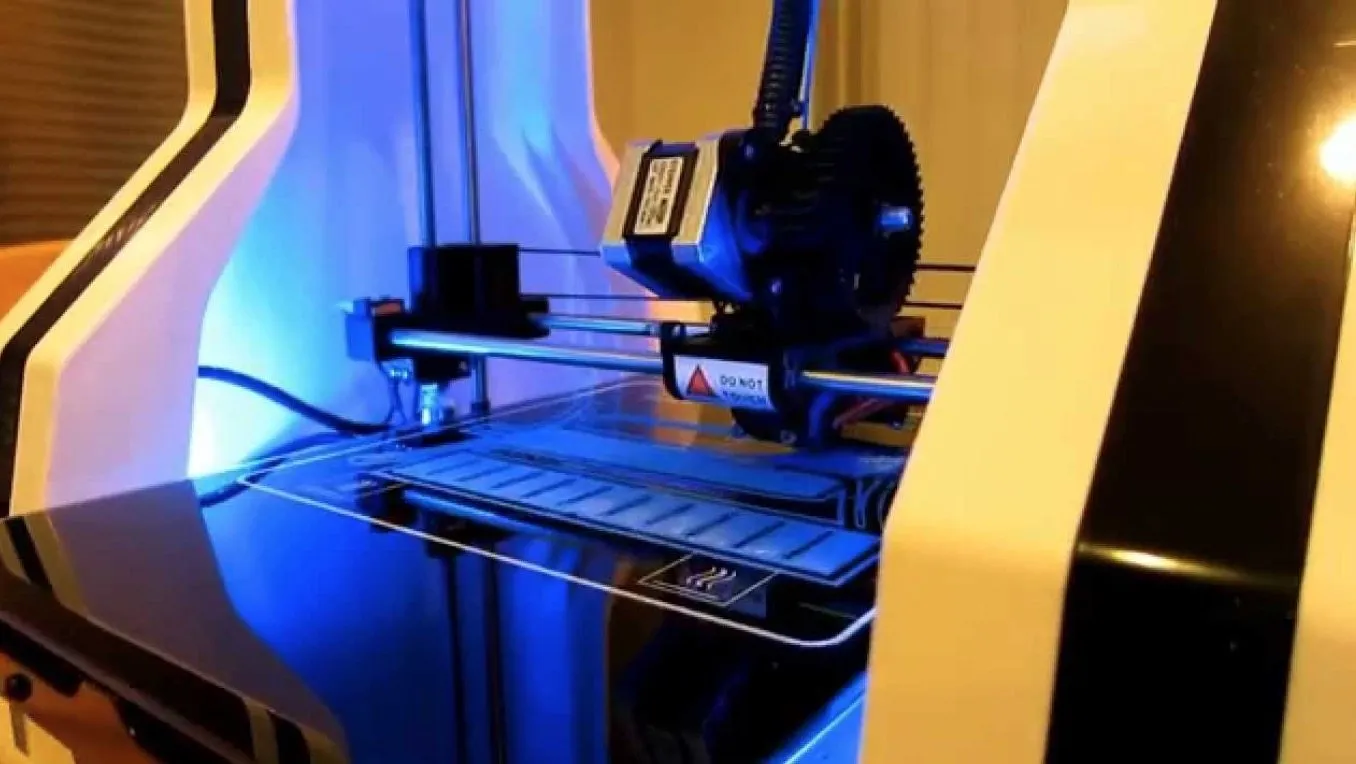
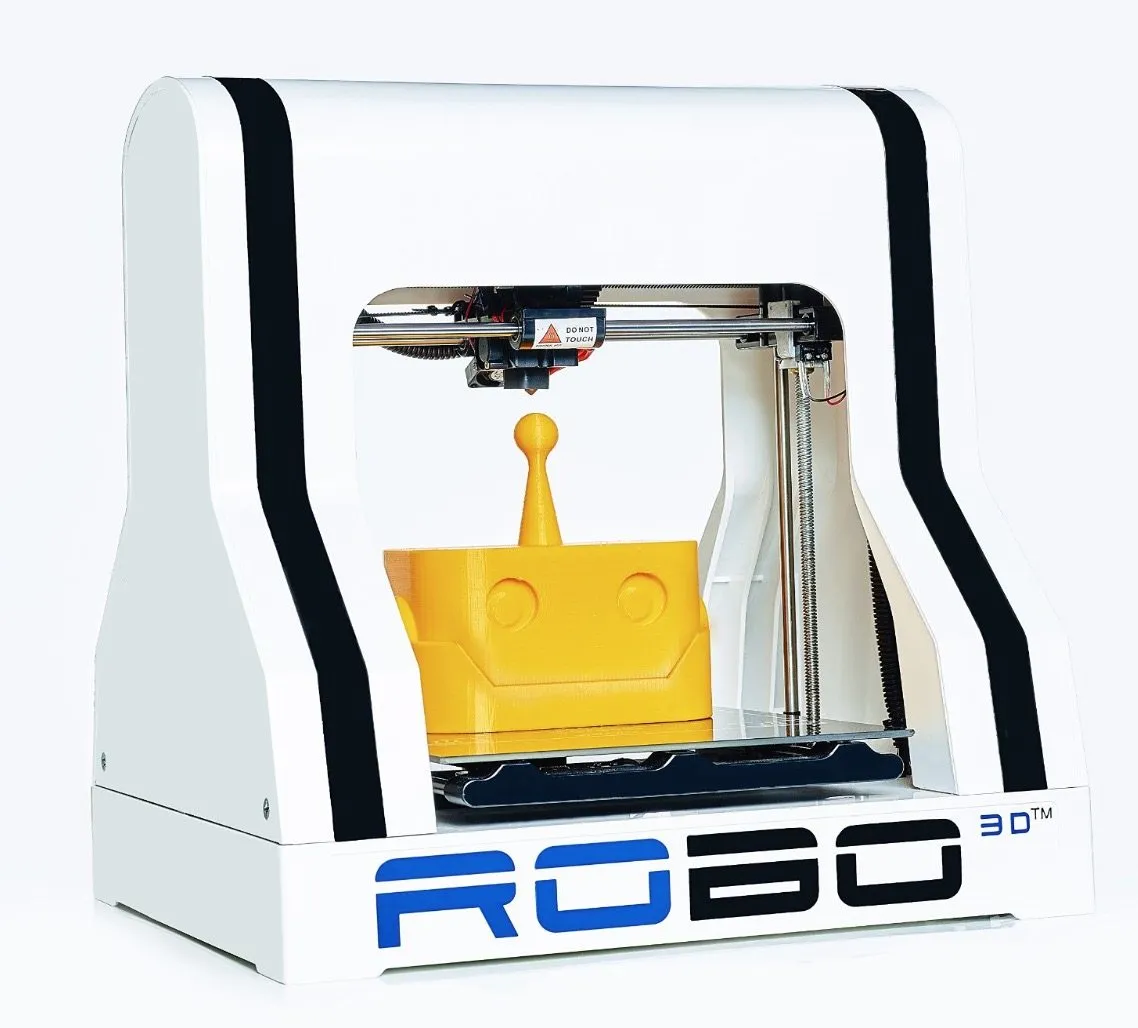
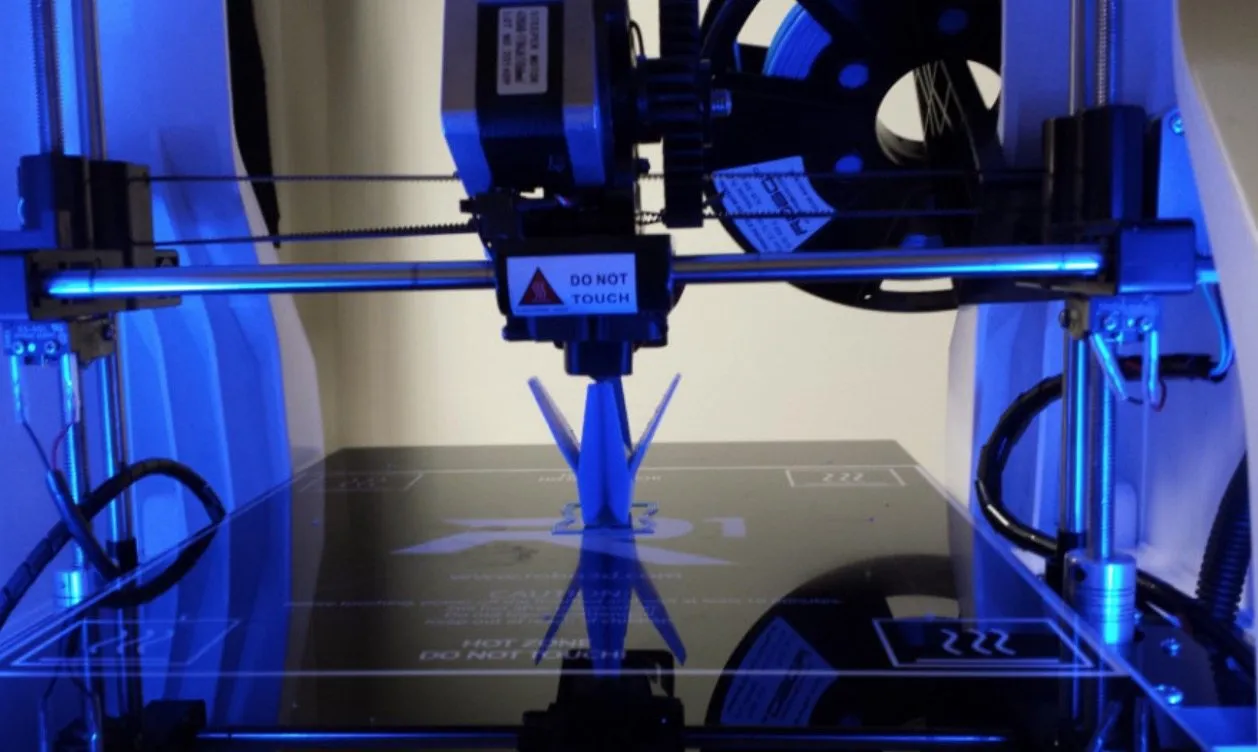
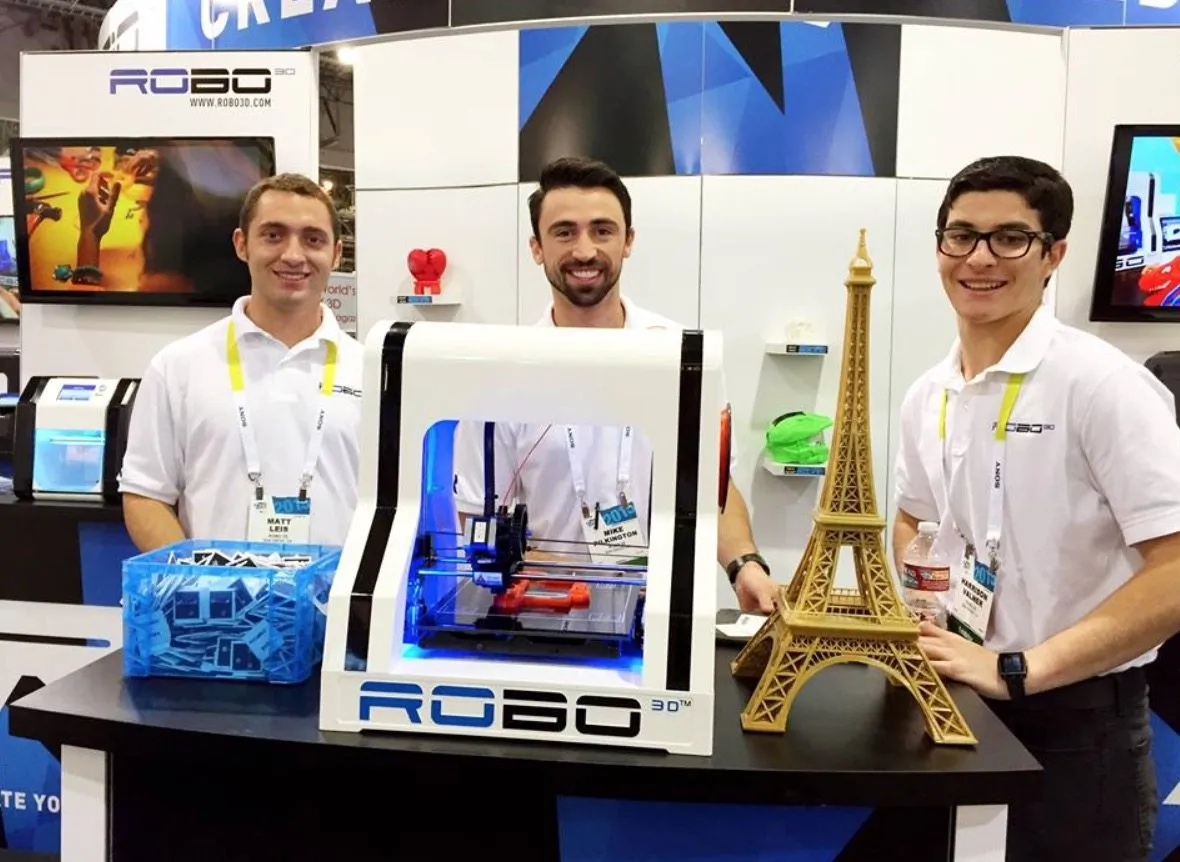
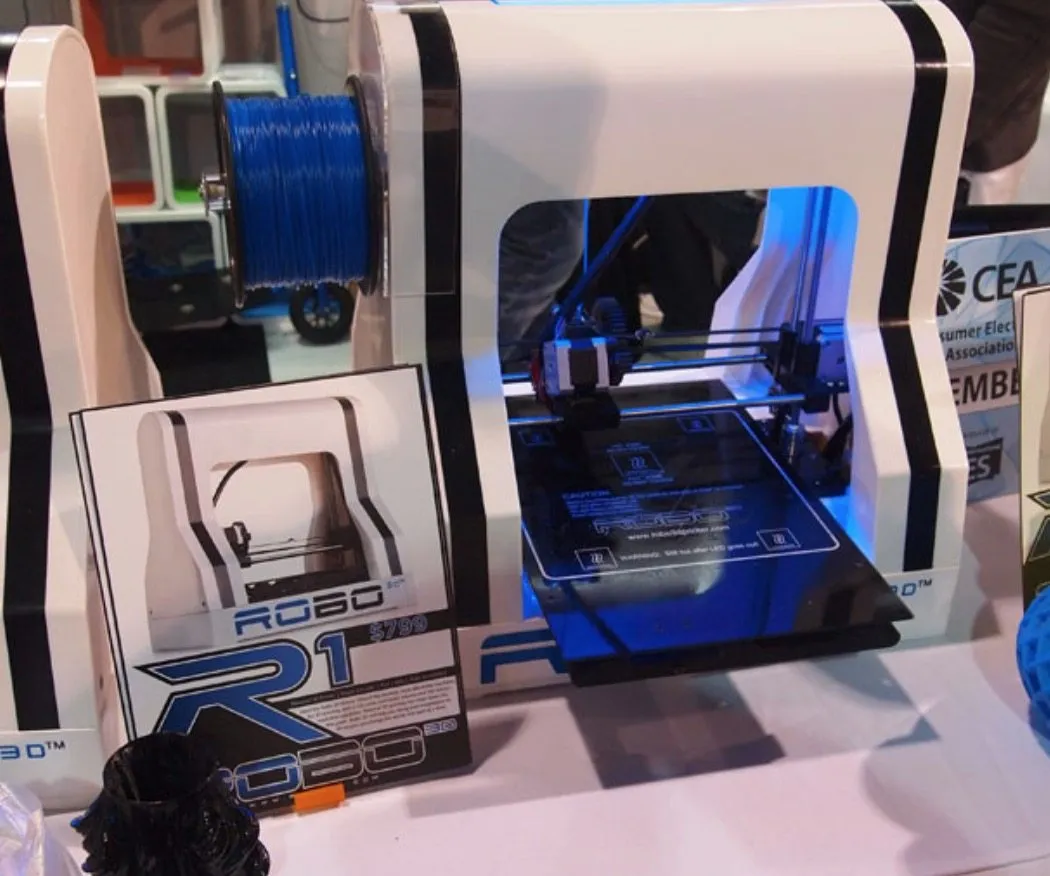
The design tells you a lot about how this thing operates. Picture a covered bridge: the bed slides back and forth quickly while the wires, connections, and print head stay protected up top.
Because the bed is larger than average, you’ll want about a foot of clearance behind and in front of the printer. The bed travels past the frame during operation, and if it’s too close to a wall, you’ll hear it scraping. The Orion Delta sidesteps this entirely with its stationary round bed, if space is tight for you.
At 26 pounds, moving it around is easy. There’s a subtle backlight glow that lets you know it’s on. Simple touch.
No onboard screen, but you won’t miss it. The software handles everything.
Testing the Robo 3D R1 Plus Printer showed us both its strengths and a few weak spots.
The wiring to the print head is wrapped for safety, but it’s not secured well. We had to keep pulling the cords out of the way so they wouldn’t snag under the heated platform mid-print.
Quick fix, though. Some tape or a zip tie and you’re good.
If you like modifying your hardware, the open-source design is a big win. For total beginners, though, all that openness can feel overwhelming. I wouldn’t recommend this as a first printer. The UP Mini is a much gentler introduction if you’re brand new to all this.
We also ran into minor temperature sensor hiccups during testing. The internals are so accessible that sorting it out took a couple quick adjustments. No big deal.
Filament & Cartridges
Both ABS and PLA run through this machine without a hitch. The heated bed keeps warping in check, and we found the best adhesion with either a strip of painter’s tape or a regular glue stick on the platform.
The filament holder sits on the back and takes both proprietary and universal cartridges. That’s a bigger deal than it sounds.
Universal compatibility means you’re not trapped buying from one manufacturer, which saves real money over time. It makes the Robo 3D one of the cheaper printers to keep fed long-term. Compare that to the XYZ Da Vinci 1.0, which locks you into proprietary cartridges and limits your options.
Connectivity & Accessories
I was pleasantly surprised by the bundled software, MatterControl. It’s more capable than I expected.
You can resize and optimize models, save them to a microSD card, calibrate the printer, and pause or kill prints mid-job. The microSD also supports wireless printing, which turned out to be way more handy than I initially thought. If wireless is a top priority, the TEVO Nereus goes all-in with full WiFi and a dedicated mobile app.
Frequently Asked Questions
The Robo 3D R1 Plus supports both ABS and PLA filament. It accepts both proprietary and universal cartridges, which saves money in the long run.
We recommend having at least a little bit of 3D printing experience before purchasing. The open-source design is great for modifications but can be tricky for complete novices.
Yes. It features a multipoint auto-leveling system that ensures high-quality prints with very little effort on your part.
Final Thoughts
The Robo 3D R1 Plus 3D Printer ships with a six-month warranty covering defects.
There’s a detailed manual in the box, though honestly, the setup is straightforward enough that you’ll probably never open it. If something does go sideways, email and phone support are available 24/7.
It lands in that sweet spot between basic entry-level machines and higher-end units that cost twice as much. You’re getting real capability without feeling in over your head.
Filament costs stay low thanks to universal cartridge support, and the auto leveling makes calibration almost enjoyable. My one piece of advice: get a little printing experience before you buy this one. It’s not a first printer. The LulzBot Mini is another strong mid-range pick with solid auto-leveling if you’re weighing options.


