

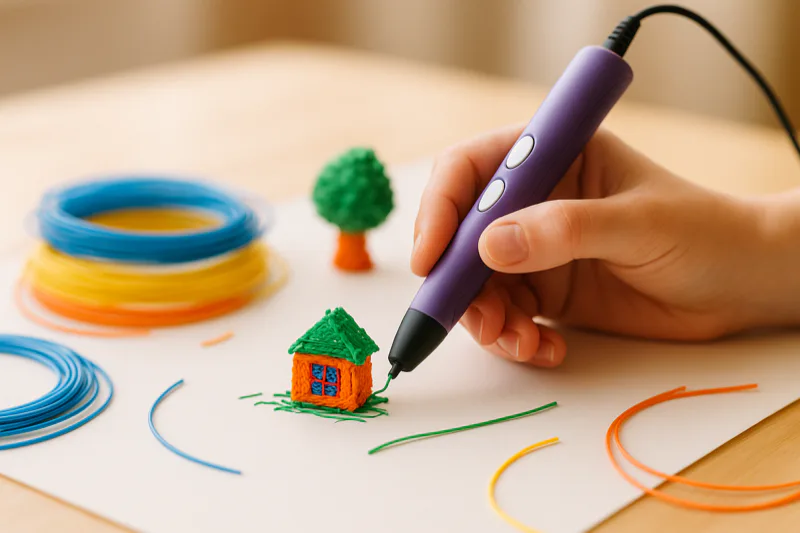
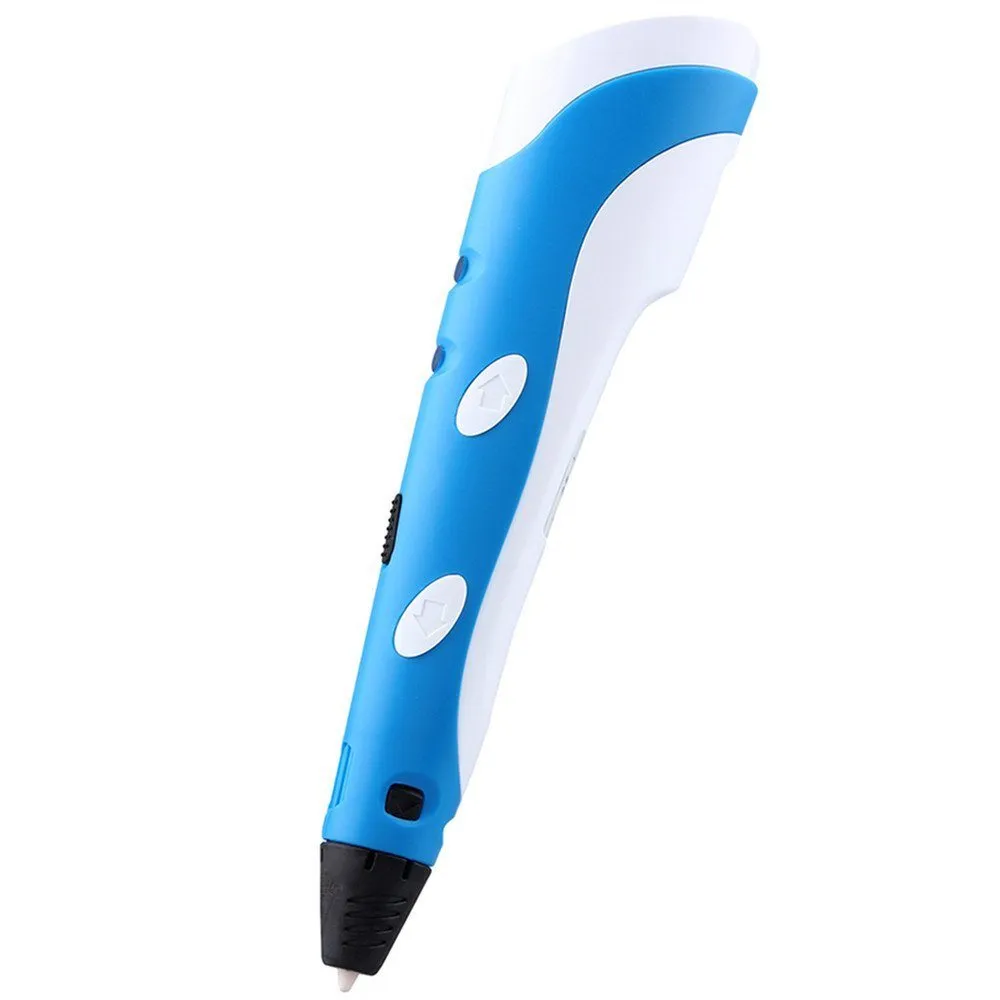
My kids couldn’t put this thing down. The Samto 3D Stereoscopic Printing Pen is ridiculously easy to pick up and immediately fun for anyone who likes making stuff with their hands.
It’s a fantastic gift, particularly around the holidays, and you can draw on basically any flat surface.
Comfortable grip, fun design, and very affordable. The Samto 3D Stereoscopic Printing Pen is easily one of the best 3D pens out there right now.
Overview
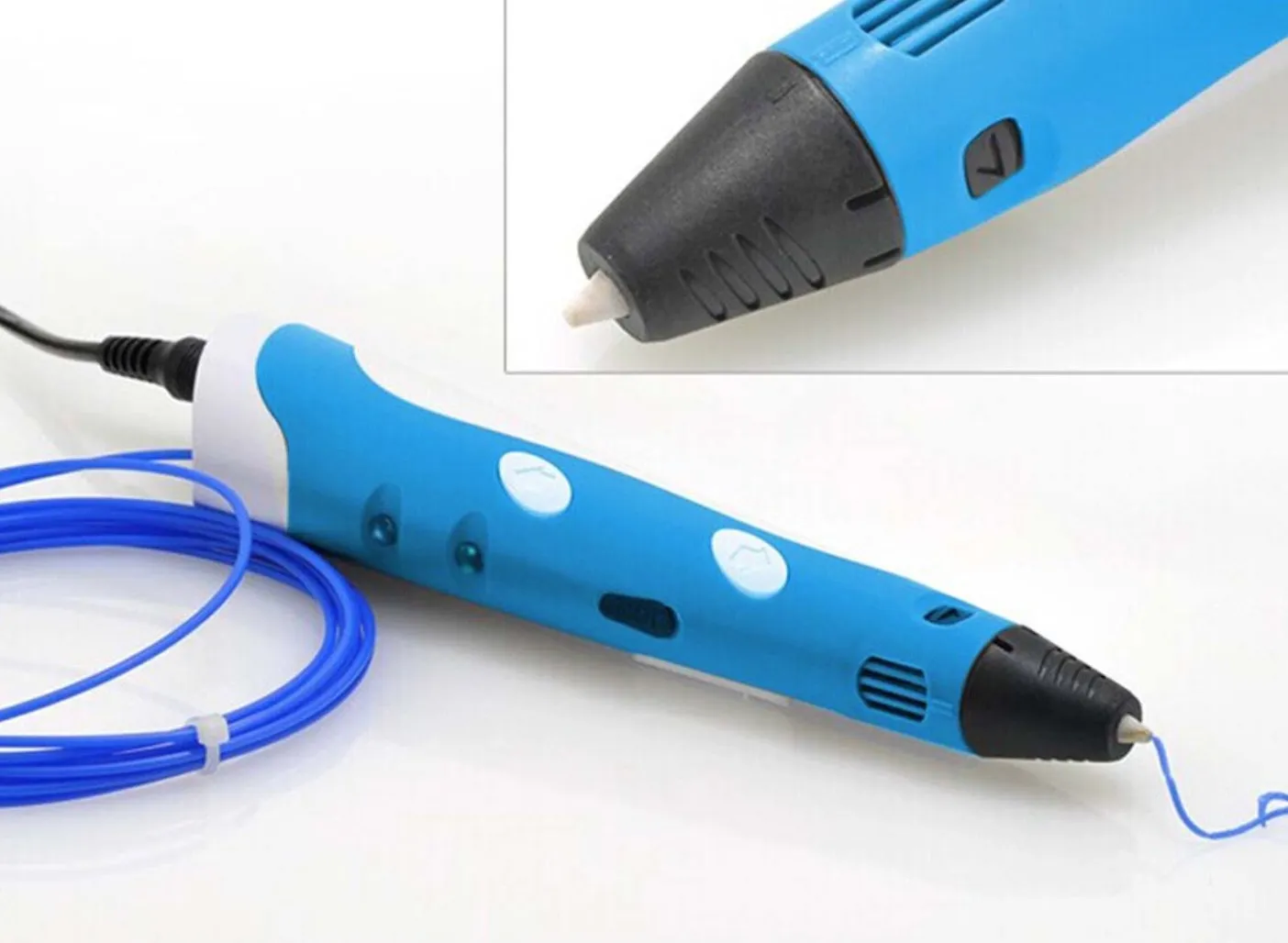
Samto 3D Stereoscopic Printing Pen
A fun and affordable 3D pen. Adjustable speed, auto-standby for safety, and it comes with three colors of ABS filament to get you started.
Pros
- Very affordable price point
- Easy setup in minutes
- Great gift for creative kids and adults
Cons
- May emit smoke during use
- Straight lines can be difficult at first
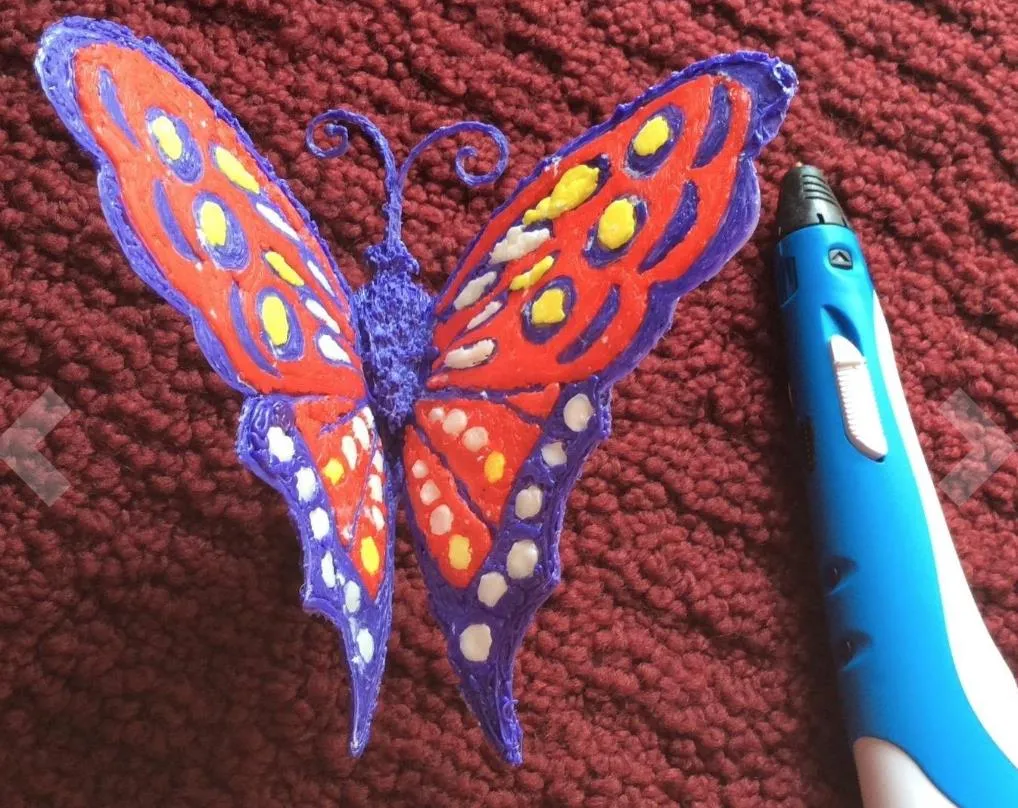
The concept is dead simple. ABS plastic feeds up to the tip, melts, and flows out as a liquid that you apply directly onto any surface.
Paper and yardsticks make the best bases to work on. Once the ABS cools down, it hardens into solid plastic you can use for display pieces, small gadgets, or really whatever comes to mind.
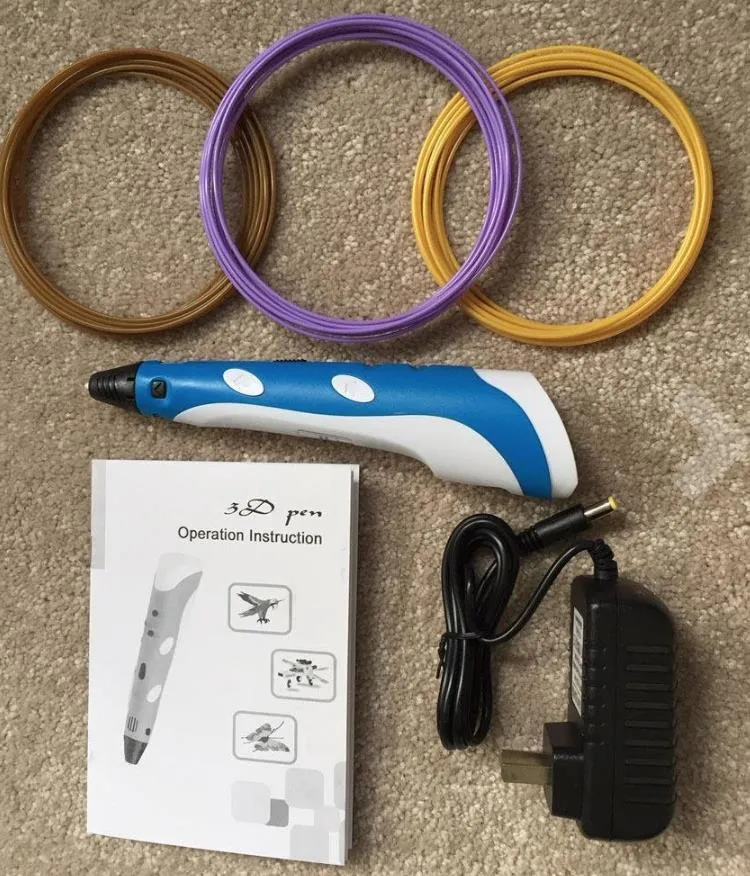
Three filament colors ship in the box: purple, green, and gold. If this pen gets you hooked on 3D creating, the Monoprice Maker Select is a solid budget step up to a full-size printer.
Fair warning though. You’ll burn through those three colors fast. This thing is genuinely addictive.
Do yourself a favor and grab the Wayzon ABS 1.75mm 3D Printer Pen Filament Refills before you even open the box. You’re going to need them.
Photo Gallery
Key Specifications
| Spec | Detail |
|---|---|
| Material | ABS Filament (1.75 mm) |
| Speed Control | Adjustable |
| Safety | Auto-standby after 5 minutes |
| Included Colors | Purple, Green, Gold |
| Power | AC adapter included |
| Price Range | Budget-friendly |
Performance and Use
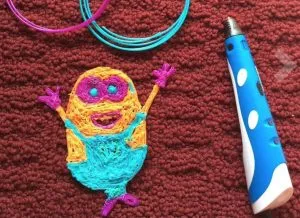
The Samto 3D Stereoscopic Printing Pen does exactly what you’re hoping it does. You draw in 3D, freehand, and end up with real physical objects.
Traditional 3D printers are for engineering prototypes and production runs. This pen puts the creating in your actual hands, and your imagination is really the only ceiling. If you need that kind of precision and repeatability, a machine like the Printrbot Play is a better starting point.
Setup takes minutes. It works shockingly well for arts and crafts. Kids absolutely lose it over this thing.
There’s something undeniably cool about creating a 3D object with your own hand, controlling every single movement.
Quick heads up, though. The tip melts plastic, so you’ll notice a little smoke and a faint burning smell. Nothing dangerous, but definitely keep an eye on younger kids while they’re using it.
Beyond that, it’s about as user-friendly as a 3D tool can get.
Think painting, not programming. You’re guiding everything manually instead of letting software do the work, so don’t expect the same precision as a full-size printer. If precision is what you’re after, the UP Mini is an enclosed plug-and-play machine that’s also great around kids.
But honestly, the imperfection is part of the charm.
Setup
You’ll be drawing in about two minutes. Here’s the process:
1. Plug the Samto 3D Pen into the included power adapter. You should see the LED light up bright yellow.
2. Press the forward extrude button. A second LED turns on to tell you it’s heating up. When that light goes green, you’re ready to roll.
3. Feed in the ABS filament (from the box or your own refills) and hold the forward extrude button until material starts coming out of the tip.
4. Press the button again and start drawing on whatever surface you like. Release the button and the flow stops. There are instructions in the box if you need a refresher.
Since this is freehand drawing, I’d suggest spending a few minutes just getting comfortable with the buttons before you try anything ambitious.
The adjustable speed control is a really nice touch. Beginners can slow things way down, and anyone can use it to conserve filament when they want to be more precise. Even full-size printers like the TEVO Nereus highlight this kind of variable control as a key feature.
Let everything cool completely before you touch it. Patience pays off here.
Swapping filament colors is simple. Hold the retraction button and gently tug on the strand. It’ll start ejecting on its own after a second, so you can ease off the pull.
Just don’t yank it. You’ll damage the filament if you force it.
Frequently Asked Questions
The pen has a built-in safety feature that enters standby mode after 5 minutes of inactivity. However, the tip melts ABS plastic and may emit some smoke, so adult supervision is recommended.
It uses ABS filament. Three colors (purple, green, and gold) are included. You can buy additional ABS 1.75 mm refills separately.
Setup takes just a few minutes. Plug in the power adapter, press the forward extrude button to heat up, insert the filament, and you are ready to draw.
Final Thoughts
The Samto 3D Stereoscopic Printing Pen is hands down one of the coolest gifts you can grab for a creative kid or adult. Your imagination is genuinely the only limit.
There’s also a built-in safety feature that I appreciate. Set it down and walk away, and the pen automatically drops into standby mode after 5 minutes.
The one real downside? Drawing straight lines. It takes practice. Definitely plan on a few wobbly attempts before you find your groove.
If you’re 3D-curious but not ready to spend hundreds on a full machine, this is a perfect entry point. It costs a fraction of even the most budget-friendly printers. And when you’re ready to level up, the TwoUp V2 kit is one of the cheapest full-size printers you can buy.
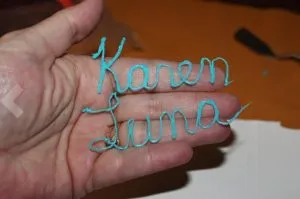
Spell your name. Build a little box. Just mess around and show people what you made. The Samto makes it ridiculously easy to jump in. And if you want a gift that pairs 3D printing with more structured projects, the XYZ Da Vinci 1.0 is a dependable full-size printer at a great price.


